
Last updated November 15, 2026
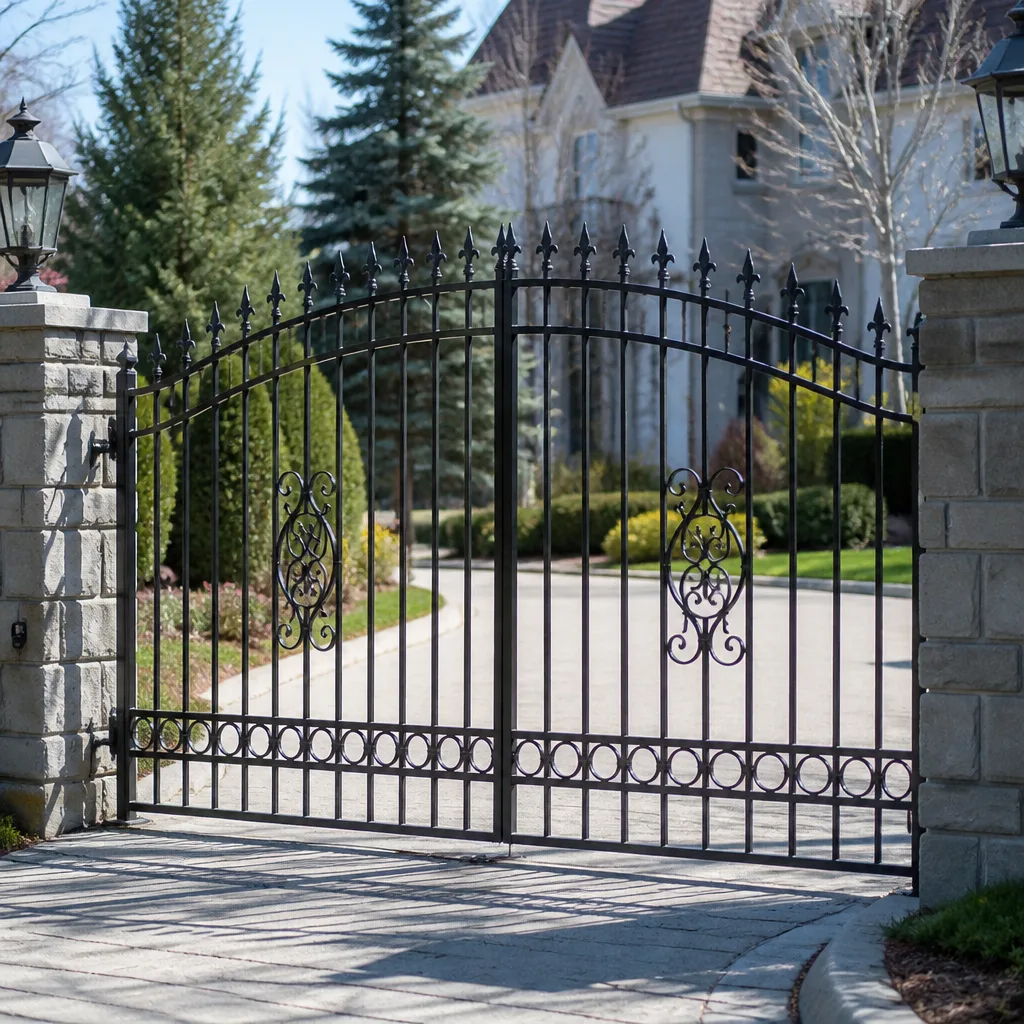 Wrought iron
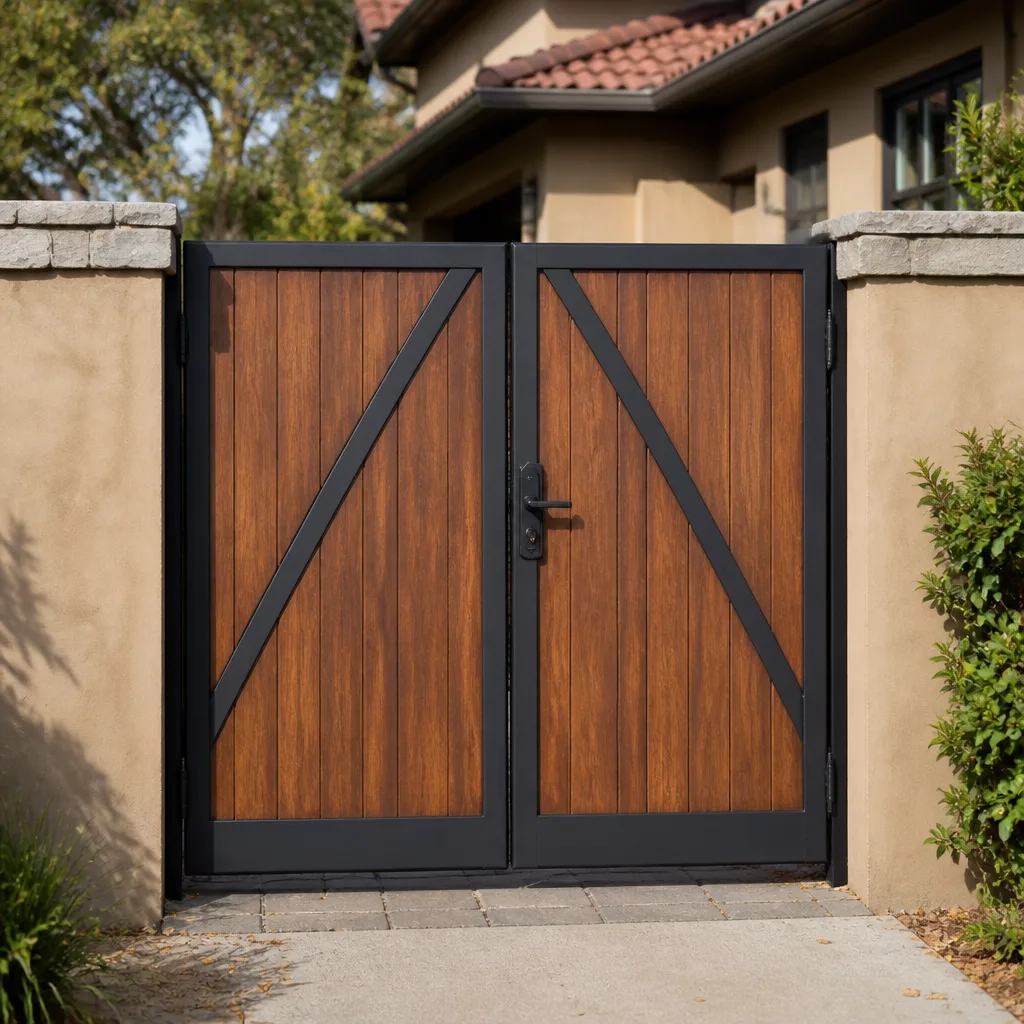 Wood & steel frame
 Farm & ranch
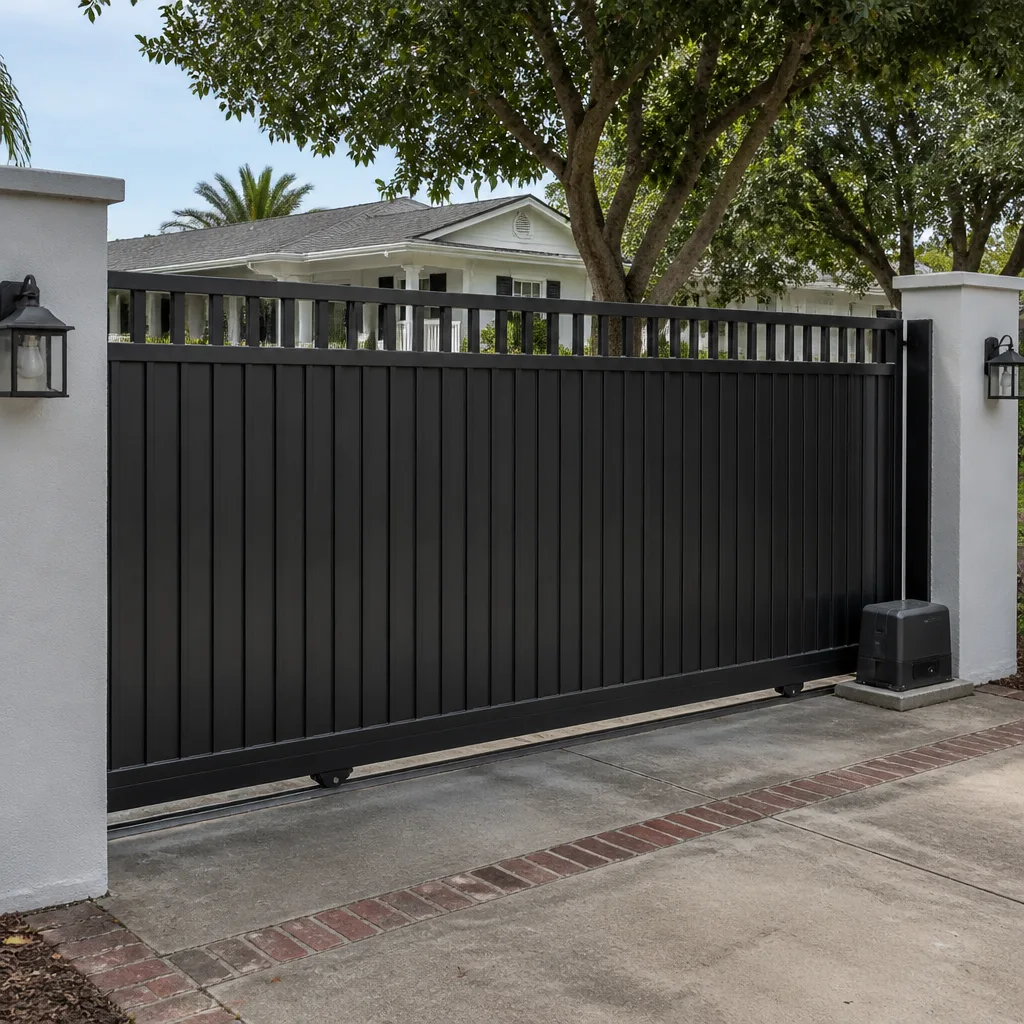 Sliding driveway gates
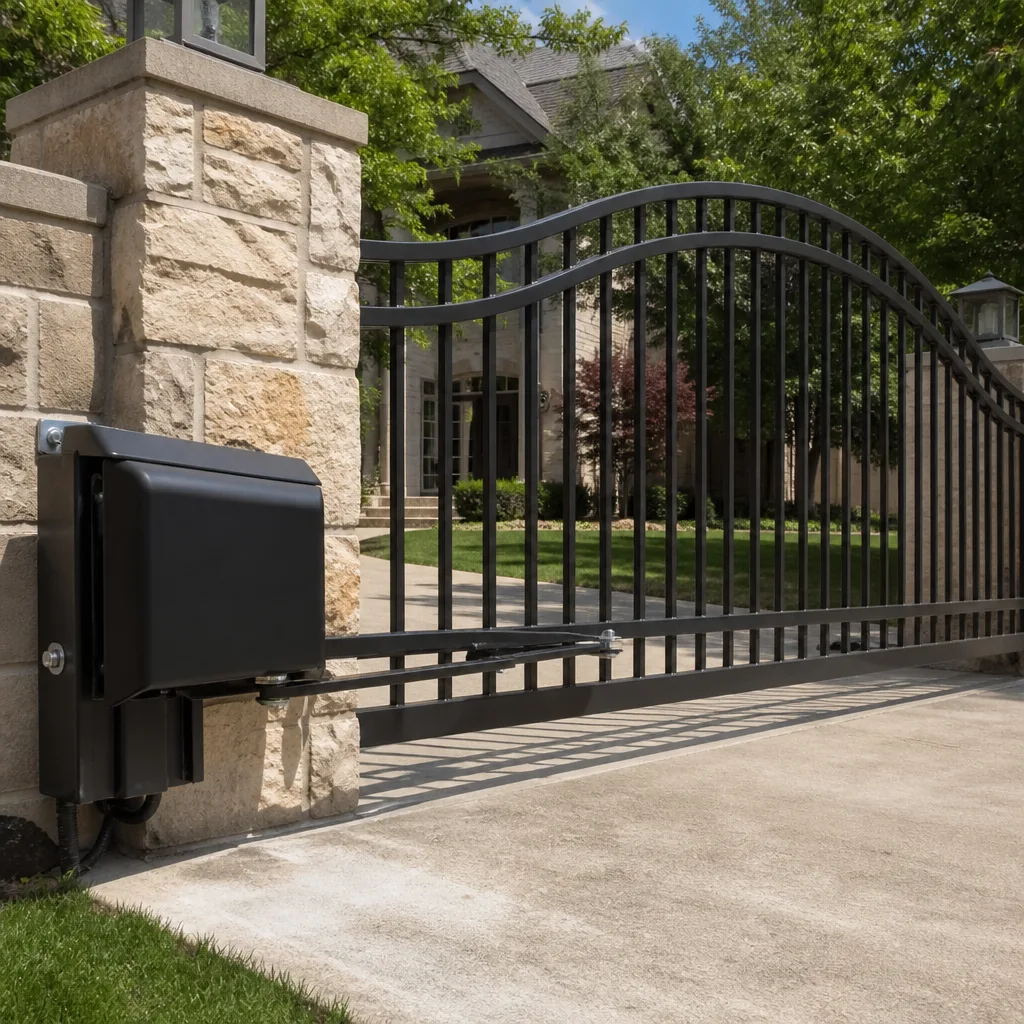 LiftMaster operators
Free on-site gate assessment - hinges, posts, and your LiftMaster or Nice gate operator checked before anything is quoted
The assessment is free and the quote is the invoice.
Get your free estimateGate Repair Emergency Preparedness Guide for Bakersfield Homes
The gate that gets you stuck is rarely the one that’s broken. It’s the one that works fine until the power drops, and nobody in the house knows where the release lever is or what it does. A dead battery in an operator, a photo-eye knocked out of alignment, a wildfire evacuation order that arrives while your gate is mid-cycle: these are access failures, not hardware failures, and most Bakersfield homeowners have never tested for them. This guide covers the specific preparations that keep an automated gate working when the grid, the heat, or an emergency doesn’t cooperate.
Quick Answer
Emergency gate preparedness in Bakersfield means four things: knowing your operator’s manual release procedure and testing it twice a year, sizing a battery backup for a full 24-hour outage in extreme heat, documenting your operator model and control board before you need service, and securing a gate that has failed open without damaging the operator. Do all four and a power outage becomes an inconvenience instead of a locked-in situation.
Styles & brands we work with
- Wrought iron
- Wood & steel frame
- Farm & ranch
- Sliding driveway gates
- LiftMaster operators
Table of Contents
- Manual Release Procedures by Operator Type
- Battery Backup Sizing for Bakersfield’s Outage Profile
- How to Secure a Gate That Has Failed Open
- What to Document Before a Failure
- The Four-Point Pre-Emergency Audit
- How Valley Heat Affects Gate Electronics
- Wildfire Evacuation Zones and Gate Access
Manual Release Procedures by Operator Type
Every automated gate sold for residential use has a manual release. The mechanism differs by operator family, and the release on a chain-drive slide operator works nothing like the release on an articulated arm. Knowing which one sits on your gate matters because the release is the fastest way back to normal operation, and in most cases you can restore power operation yourself once the emergency passes.
Chain-drive slide operators
Common on sliding driveway gates, chain-drive operators use a release lever or key that disengages the drive sprocket from the chain. Turn the key or lift the lever, and the gate slides freely by hand. To restore power operation, slide the gate back to roughly the same position it was in when you released it, re-engage the lever, and cycle the gate once with the remote. If the gate doesn’t catch, the sprocket isn’t fully seated; re-release and try again.
Articulated arm swing operators
Articulated arms mount to a gate post and push the gate leaf open. The release is typically a keyed lever on the operator housing that disengages the arm from the drive. Some models use a pin you pull and rotate a quarter turn. Once released, the gate swings freely. Re-engagement is the reverse, but the gate must be positioned near the closed limit for the arm to re-seat correctly. If your BFT or Linear arm operator won’t re-engage after release, don’t force it; that’s a sign the limit switch has drifted.
Linear actuator swing operators
Linear actuators run on a threaded rod and don’t disengage the same way. Most use a keyed release that disconnects the actuator from the gate bracket, or a mechanical override on the motor housing. When you release a linear actuator, the gate swings free with no resistance. To restore, close the gate fully, re-engage the release, and run one full open-close cycle while watching that the arm extends without binding.
Vertical pivot operators
Vertical pivot gates lift or swing on a pivot axis, and their release is usually a mechanical stop or a hydraulic bypass valve. Because these systems carry more weight and momentum than a standard swing gate, release them slowly and keep hands and feet clear. Re-engagement requires the gate to be at rest in the closed position, and on hydraulic units you may need to cycle the pump once to rebuild pressure.
If you’re not sure which operator you have, the model plate is usually on the housing, and the manual release procedure for your specific model should be documented in your file. If you can’t identify the operator, our electric gate repair team can identify it and walk you through the release on site.
Battery Backup Sizing for Bakersfield’s Outage Profile
Bakersfield’s outage profile is dominated by two events: summer heat-driven load failures and Public Safety Power Shutoff events tied to wildfire risk in the surrounding hills. Both tend to last longer than a household expects, and both happen when ambient temperatures are high enough to degrade battery performance. Sizing a backup for a nominal 24-hour outage at 70°F is not the same as sizing for 24 hours at 100°F or above.
What capacity you actually need
Battery capacity for a gate operator is measured in amp-hours and derated by temperature. A residential swing or slide gate typically draws a few amps per cycle, and if the gate cycles a handful of times during an outage, a modest battery can cover it. The problem isn’t the number of cycles, it’s standby draw and heat. A battery that provides 24 hours of standby in mild weather may only provide 16 or 18 hours at 100°F because internal resistance rises and capacity falls.
Sizing guidance for a full-day outage
- Estimate your cycles. Count how many times the gate opens and closes on a typical day. That number times the operator’s per-cycle draw is your daily usage.
- Add standby draw. The control board, receiver, and photo-eyes pull current continuously, even when the gate isn’t moving. This is often the larger share of the total.
- Derate for heat. At Bakersfield summer temperatures, plan on roughly 70 – 80% of the battery’s rated capacity being usable.
- Add margin. A battery sized to exactly cover 24 hours won’t cover 24 hours in a heat wave. Size for 36 hours of nominal capacity to get 24 hours of real-world runtime.
Battery backup kits for Ghost Controls and Mighty Mule residential operators are widely available and sized for the common residential case. Viking and Linear systems often have larger standby requirements because the control boards draw more. If you’re on a commercial-grade operator or a multi-unit access control system, battery sizing should be calculated for the actual load, not guessed. Our team works with gate repair clients on battery audits and can verify that your backup covers a realistic outage window.
How to Secure a Gate That Has Failed Open
A gate that fails open is a security problem and a safety problem at once. The instinct is to force it closed. Don’t. Forcing a gate against a stuck operator strips gears, bends the arm, or cracks the housing, and turns a control board issue into a full hardware replacement. There are temporary measures that hold the gate without damaging anything.
- Disconnect the operator first. Use the manual release so the gate is mechanically free. This removes the operator from the equation and prevents it from fighting whatever you do next.
- Secure the gate leaf with a strap or chain. Run a ratchet strap or a chain from the gate frame to a fixed post at an angle that pulls the gate toward closed. Don’t run it through the operator arm.
- Lock the gate lock or drop a pin. If the gate has a physical lock or a drop-pin receiver, engage it. Combined with the strap, this holds the gate in place against wind and casual pushing.
- Post a temporary sign. A simple “Gate secured – use side entrance” sign keeps visitors from pushing on the strap and keeps delivery drivers from testing the setup.
- Don’t block the gate with a vehicle. A car parked against a gate looks secure, but if the gate is on a slope or the vehicle moves, the gate swings and the fix becomes a panel repair.
If the gate is on a slope or the strap isn’t holding, call for service. A gate that’s failing open on a driveway with any grade is a hazard, and holding it with a strap may not be enough. Same-day service is usually possible for this kind of failure in Bakersfield. Call (866) 389-4932. We answer 24/7. Fast dispatch from 7am to 7pm, Sunday through Friday.
What to Document Before a Failure
The single biggest delay in gate service is identifying the equipment. When a control board fails, the technician needs to know what board to bring out, and that means the model number and the part number, not just “LiftMaster” or “BFT.” A homeowner who can read off their model number on the phone gets a faster, more accurate dispatch than one who has to run a flashlight out to the gate while the dispatcher waits.
Here’s what to have on file:
- Operator make and model number. The plate is usually on the operator housing. Photograph it with your phone and keep the photo in a folder.
- Control board part number. This is sometimes different from the operator model. The board itself has a label; photograph it too.
- Installer name and permit number. If you have the original installation paperwork, file it. Permits matter when a future repair involves structural changes, and most cities ask about permits for gate and electrical work.
- Battery type and last replacement date. Write the date on the battery itself. This one habit tells you instantly whether the battery is due.
- Photo-eye and safety-edge configuration. How many photo-eyes, where they’re mounted, and whether there’s a safety edge on the gate.
- Remote and keypad registration. The code used to add a remote varies by brand. Recording which remotes and keypads are registered saves time when one fails.
A photo of the model plate on your phone takes thirty seconds and saves a service call. Do it today.
The Four-Point Pre-Emergency Audit
This audit takes under half an hour if you know your gate. Do it twice a year, once before summer and once before the fall PSPS window. Each point is something a homeowner can check without tools.
- Battery state. Check the battery indicator on the operator or the control board. If the operator has no indicator, test the release a few times and see if the gate still cycles under backup. A battery older than a few years should be tested, and one that won’t hold a charge during a simulated outage should be replaced before the next summer.
- Manual release function. Use the release, slide or swing the gate by hand, then re-engage. It should move freely and re-engage cleanly. If the gate binds or the release won’t catch, that’s a problem to fix now, not during an outage.
- Photo-eye backup power. Pop a battery out of the photo-eye if it has a backup, or review the operator’s documentation to confirm the photo-eyes are backed up by the main battery. A gate that runs on backup power but has unpowered photo-eyes will still stop mid-cycle, which is a safe failure but a frustrating one.
- Remote frequency and registration. Test every remote you keep, including the spare in the drawer. Register any new remote to the operator before you need it in an emergency. If a remote battery is dead, replace it during the audit, not during an outage.
If any of these checks turn up something you can’t resolve, a quick service visit is the right answer. Our technicians have up to 11 years of experience and can audit the full system, from the operator to the sensors to the wiring.
How Valley Heat Affects Gate Electronics
Bakersfield summers stress gate electronics in ways that don’t show up in mild climates. Control boards run hotter in an enclosed housing under direct sun, capacitors age faster, and batteries lose usable capacity. The failure modes are quiet: a board that works fine at 80°F behaves unpredictably at 105°F, and a battery that backs up a gate all winter may only make it through half a summer day.
There are practical responses. Shade the operator housing if you can, especially on the west side where afternoon sun hits hardest in neighborhoods like Seven Oaks and the southwest. Don’t block the operator’s vents. Check the battery before summer begins, not after the first heat wave. If you’ve noticed the gate behaving oddly on hot afternoons, that’s a pattern worth investigating, and an electric gate repair diagnostic can tell you whether it’s a board issue or a heat-related sensor problem. A control board that fails intermittently in the heat is often a board that’s about to fail permanently.
On the hardware side, heat expands metal and softens seals. A gate that binds in August and runs free in January is telling you something about the hinge geometry or the track alignment. Check the track after the first hot stretch of the year; a track that’s warped or misaligned is easier to fix before it starts stripping drive components.
Wildfire Evacuation Zones and Gate Access
Bakersfield sits at the floor of the valley, and the neighborhoods to the south and east of the city sit closer to the grass and oak country that burns more often than the valley floor. If your home is in or near a wildfire evacuation zone, your gate is part of your evacuation plan whether you’ve thought of it that way or not.
Here’s the preparation that matters:
- Know your release procedure without a flashlight. In an evacuation, you may be leaving at night with no power. Practice the release until you can do it without looking.
- Keep the gate’s manual release keyed and accessible. If the release is keyed, keep a copy of the key on your car keys, not in the house.
- Check the gate’s backup battery capacity. An evacuation order can last hours. A gate on a small battery may not cover an extended outage.
- Coordinate with your HOA or property manager. If you share a gate, make sure the HOA knows how to release it and who has the key.
- Leave the gate open during an evacuation. A gate that’s open lets emergency crews through and lets you get back in when the order lifts. If the operator will open normally, use it; if it won’t, release it and leave it open by hand.
This is the part of gate readiness that homeowners overlook. In Bakersfield, the fire risk is real, and the gate is a chokepoint on the way out.
Common Mistakes to Avoid
- Never force a gate against the operator. Pushing a stuck gate past its mechanical limits strips gears and bends the operator arm. Release the operator first, then move the gate by hand.
- Don’t ignore a battery that “works fine.” A battery that runs a gate in December may be dead in July. Replace a battery at the first sign of low backup performance.
- Don’t remove or bypass the photo-eyes. A gate that runs without functioning photo-eyes is a serious safety hazard, and one that can stop the gate mid-travel during an outage.
- Don’t guess at the control board part number. Ordering a board for the wrong model number wastes days. Photograph the label on the board itself before you order anything.
- Don’t block a gate with a vehicle to secure it. A car parked against a gate moves, and the gate follows. A strap or chain on the gate frame is safer and doesn’t risk the panel.
- Don’t skip the release test. A release that hasn’t been used in years may be frozen or misadjusted. Test it twice a year.
- Don’t assume the operator works if the gate does. A gate that opens with the remote today can be one photo-eye misalignment away from failing tomorrow. Test the full system during your audit, not just the parts that get used.
See the difference
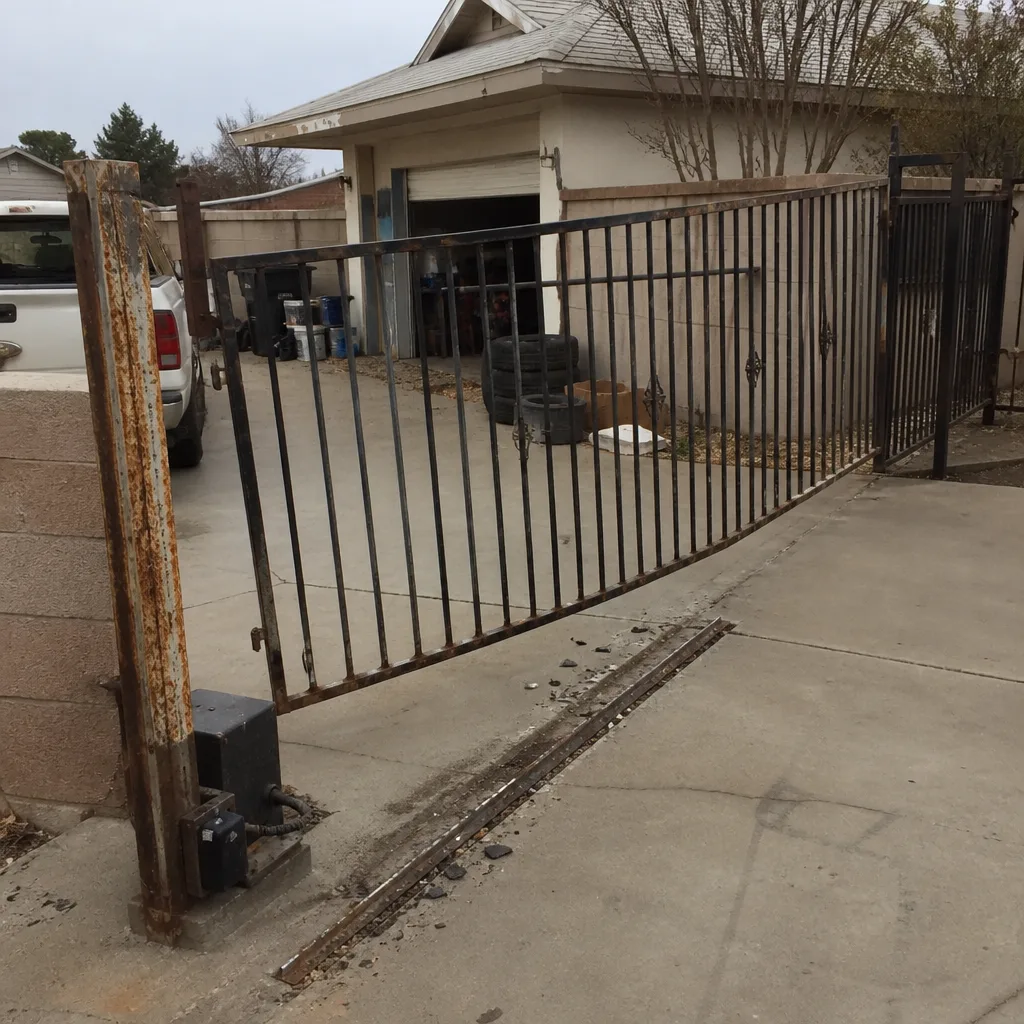 Before
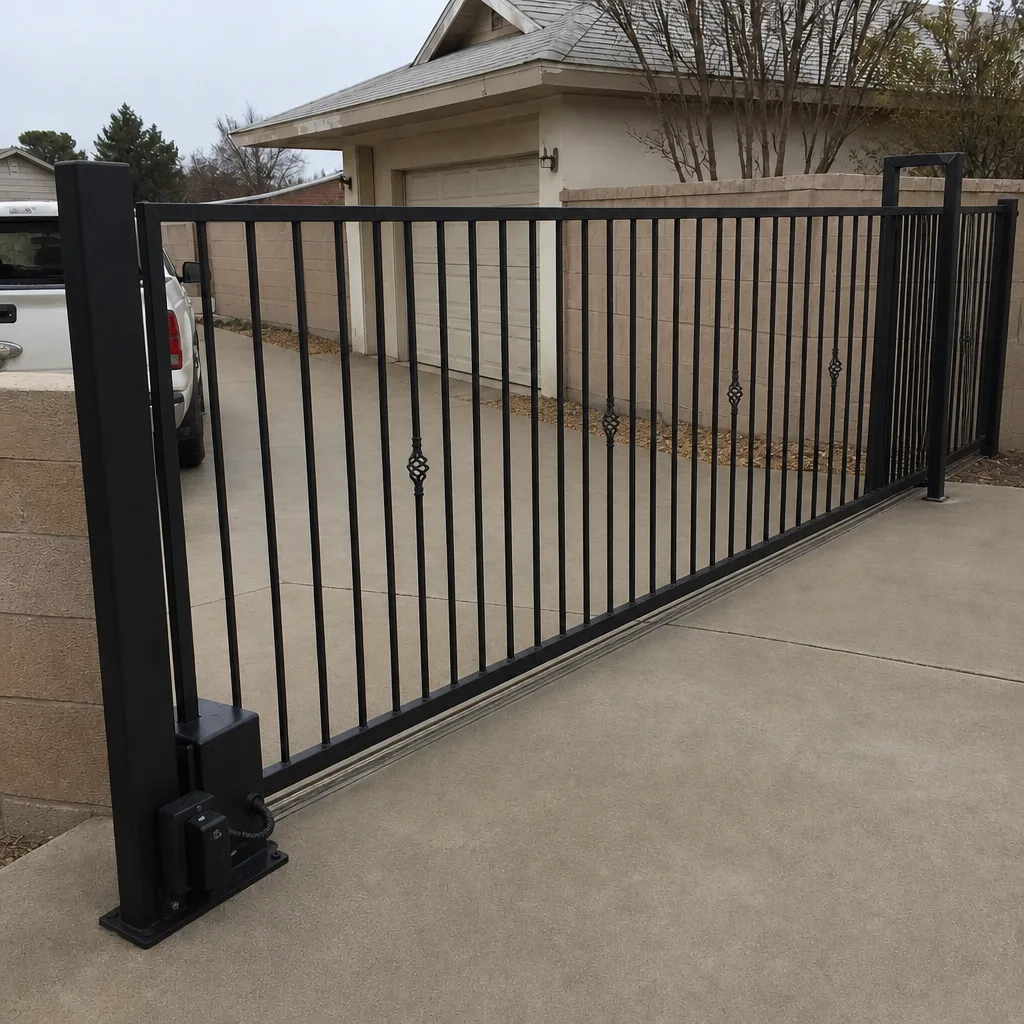 After
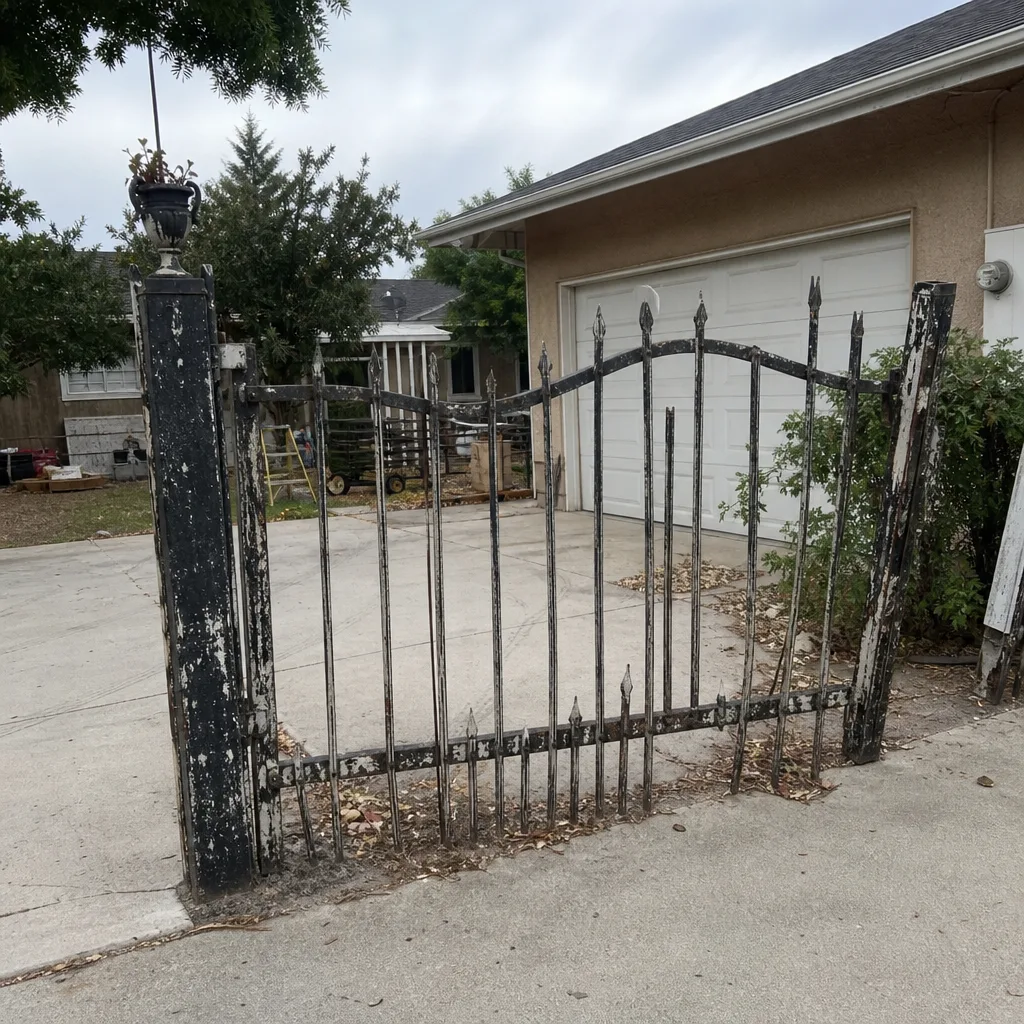 Before
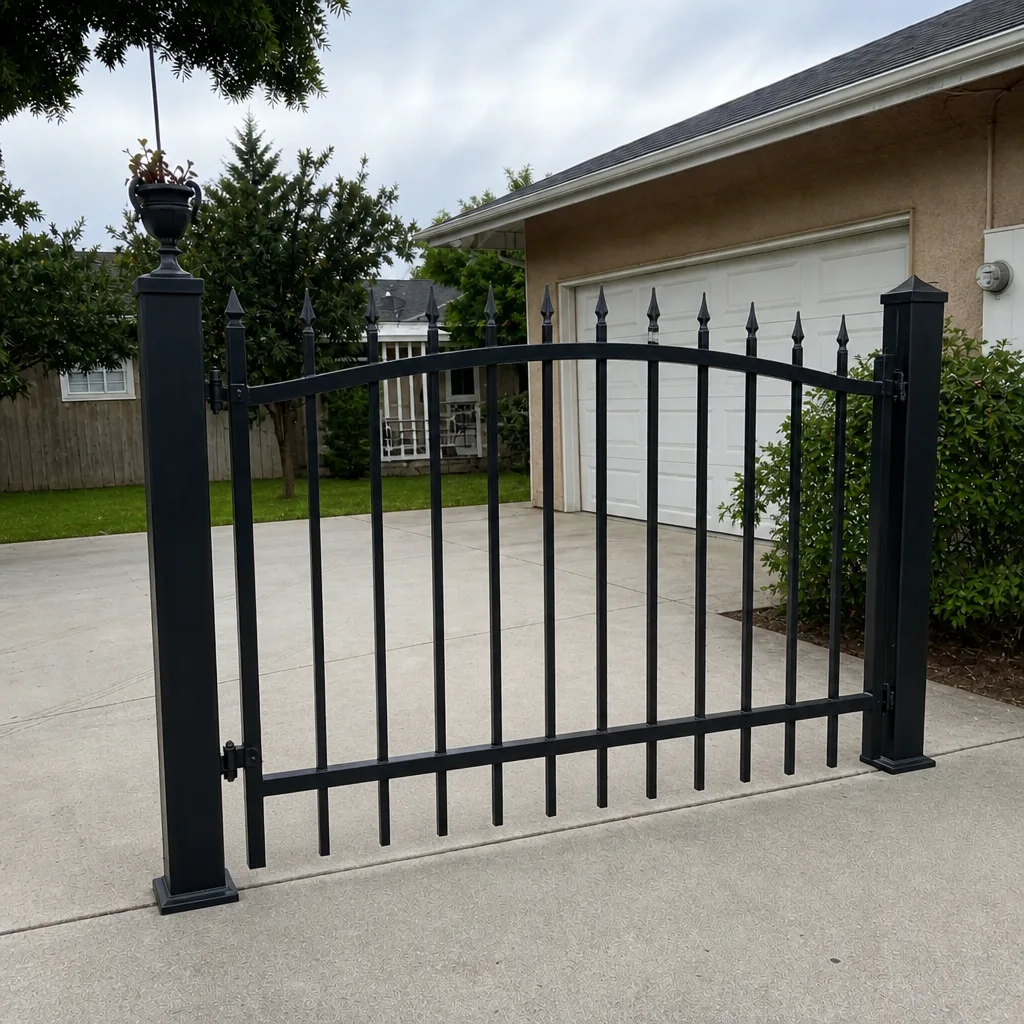 After
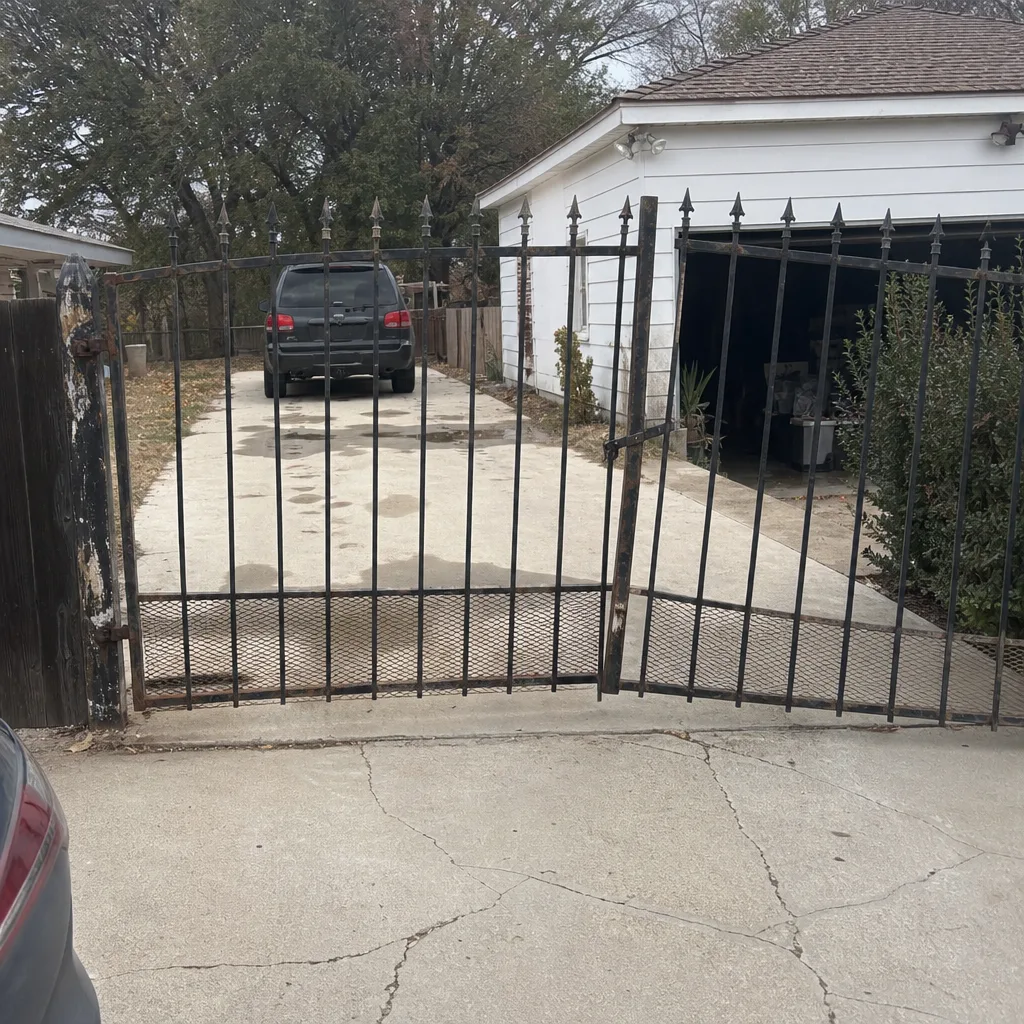 Before
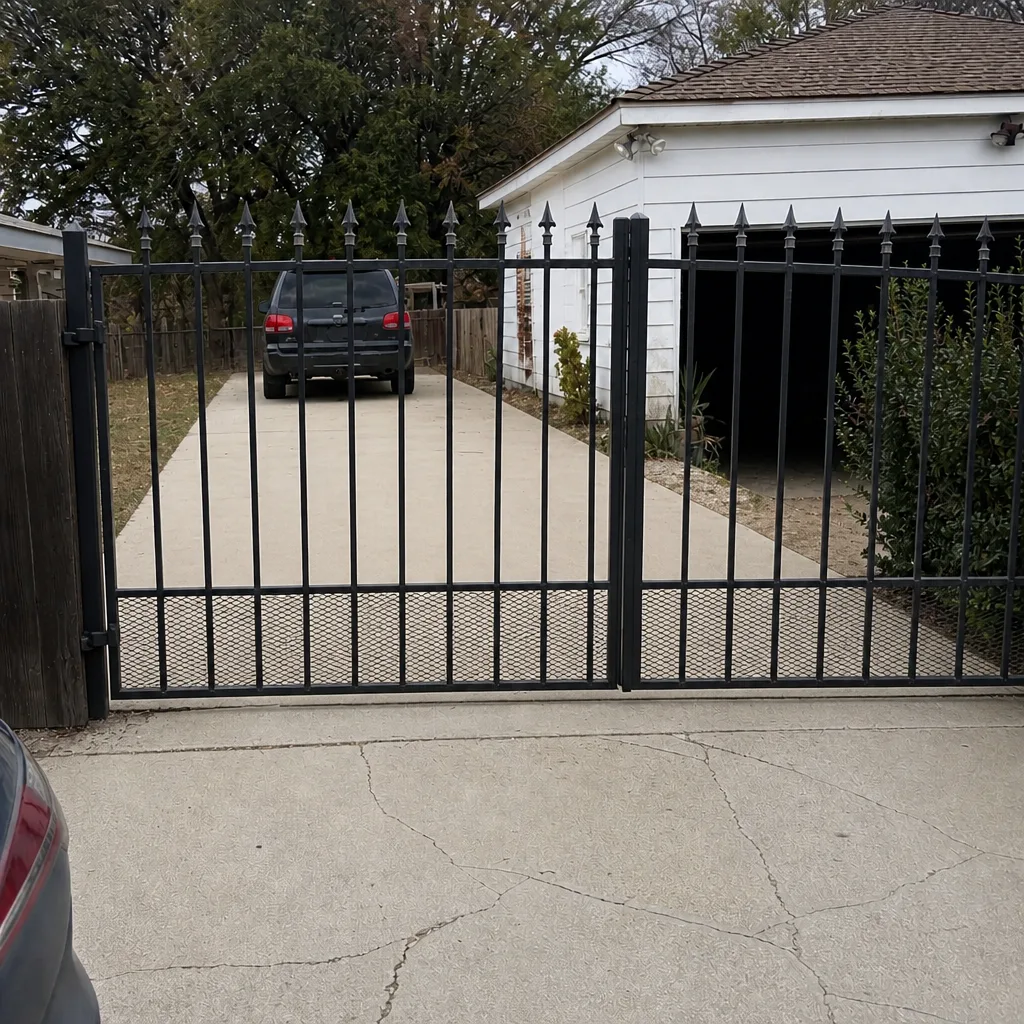 After
When to Call a Professional
Some of this work is a homeowner’s job: testing the release, checking the battery, taking photos of the model plates, keeping the manual on file. Other work is not. Call a professional when the gate won’t re-engage after release, when the operator runs but the gate doesn’t move, when the control board has obvious damage or fault codes you can’t clear, when you suspect a photo-eye or safety-edge wiring issue, or when a gate has failed on a slope or in a security-sensitive location. Electric gate repair is also a category where the wrong diagnosis is expensive; our Bakersfield crew diagnoses motor, board, wiring, and sensor problems as a system rather than guessing at parts. Gate Repair Bakersfield offers free estimates in Bakersfield – call (866) 389-4932. We answer 24/7. Fast dispatch from 7am to 7pm, Sunday through Friday.
Frequently Asked Questions
The release type follows the operator model, not the gate. Slide gates with chain drives use a lever or keyed sprocket release. Articulated arm swing operators use a keyed lever that disengages the arm. Linear actuators use a keyed disconnect at the actuator or the bracket. Vertical pivot systems use a mechanical stop or hydraulic bypass. If you can’t identify the operator, read the model plate on the housing or call (866) 389-4932 and we’ll walk you through it. We answer 24/7. Fast dispatch from 7am to 7pm, Sunday through Friday.
It depends on the size of the battery and the ambient temperature. A residential battery sized for a nominal 24-hour outage typically provides 16 to 20 hours of real-world runtime at 100°F or above, because heat reduces battery capacity. Sizing for 36 hours of nominal capacity gets you closer to a true 24-hour window. If you’re on a commercial-grade operator or an access-control system, the calculation should be done against the actual standby load, not assumed.
In most cases, yes. Re-engage the release, return the gate to the correct limit position, and cycle the gate once with the remote. If the gate doesn’t catch or the arm binds, the release isn’t fully seated or a limit switch has drifted. Don’t force it. Call our team if the operator doesn’t come back to normal after one clean cycle.
You need six things: operator make and model, control board part number, installer name and permit number, battery type and last replacement date, photo-eye and safety-edge configuration, and a list of registered remotes and keypads. Photograph the model plates on your phone. A homeowner who can read off the model number on the phone gets a faster and more accurate service response than one who has to guess.
Release the operator first so it isn’t fighting the gate, then strap or chain the gate frame to a fixed post at an angle that pulls it toward closed. Engage the gate’s physical lock or drop-pin receiver. Don’t park a vehicle against the gate. If the gate is on a slope or the strap isn’t holding, call for service; a gate failing open on a grade is a hazard. Our team handles this kind of failure with same-day service in most cases.
Yes. Control boards run hotter in enclosed housings under direct sun, capacitors age faster, and batteries lose usable capacity. A board that works at 80°F can behave unpredictably at 105°F. If your gate acts oddly on hot afternoons, that’s a pattern worth diagnosing, not ignoring. Shade the housing where possible, keep vents clear, and check the battery before summer begins.
The Bottom Line
Emergency gate readiness comes down to four habits: test the manual release twice a year, size your battery backup for a heat-adjusted 24-hour outage, keep your operator and control board documentation on your phone, and know how to secure a gate that fails open without damaging it. Bakersfield’s specific risks make these habits more important than they are in milder climates: summer heat degrades batteries and boards, PSPS outages can run long, and wildfire evacuation zones make the gate part of your escape plan. A gate that works today isn’t the same as a gate that’s ready for an emergency. Test it before you need it.
Gate Repair Bakersfield provides gate repair, electric gate repair, and gate installation for homes and businesses across the city. We work on LiftMaster, FAAC, BFT, Linear, Viking, Ghost Controls, DoorKing, Elite, and Mighty Mule systems, and our technicians have up to 11 years of experience. Call (866) 389-4932 for a free estimate. We answer 24/7. Fast dispatch from 7am to 7pm, Sunday through Friday.
Written by the team at Gate Repair Bakersfield.