
Last updated November 15, 2026
 Wrought iron
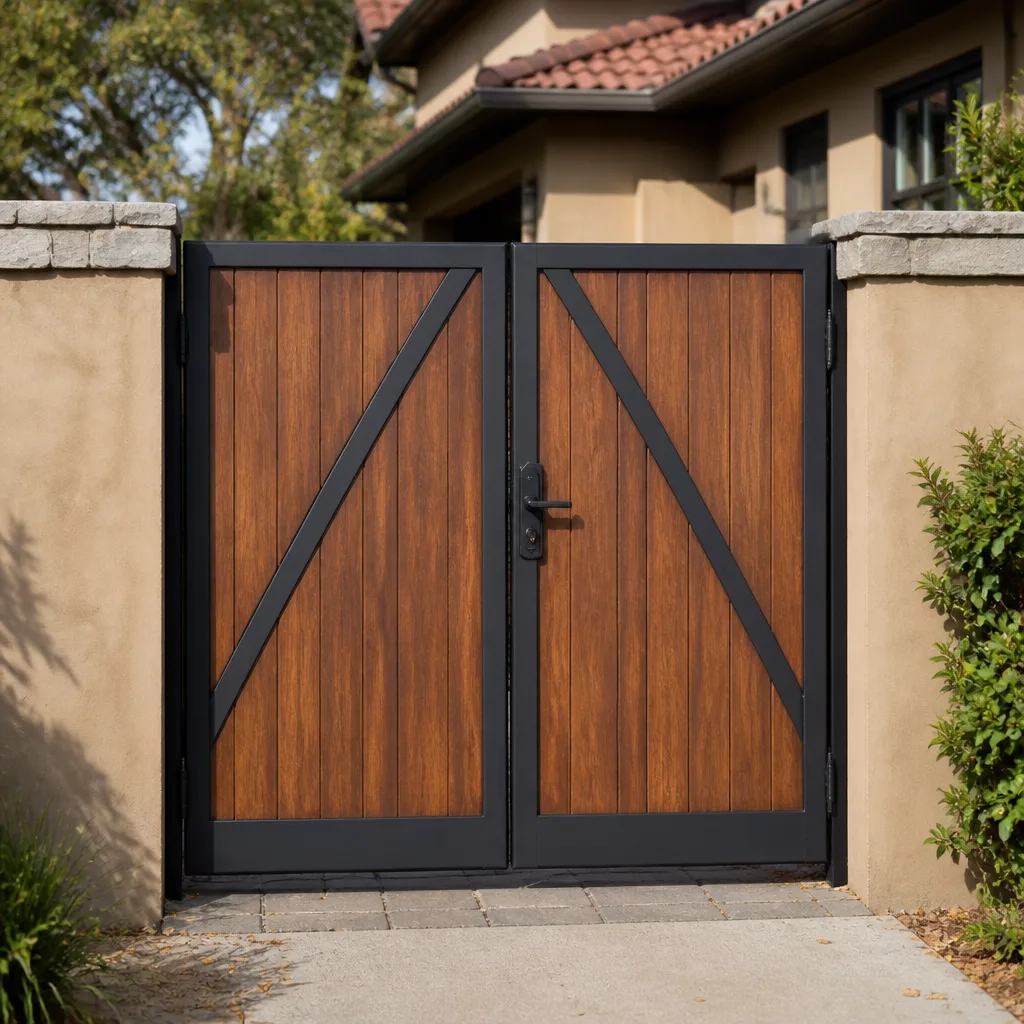 Wood & steel frame
 Farm & ranch
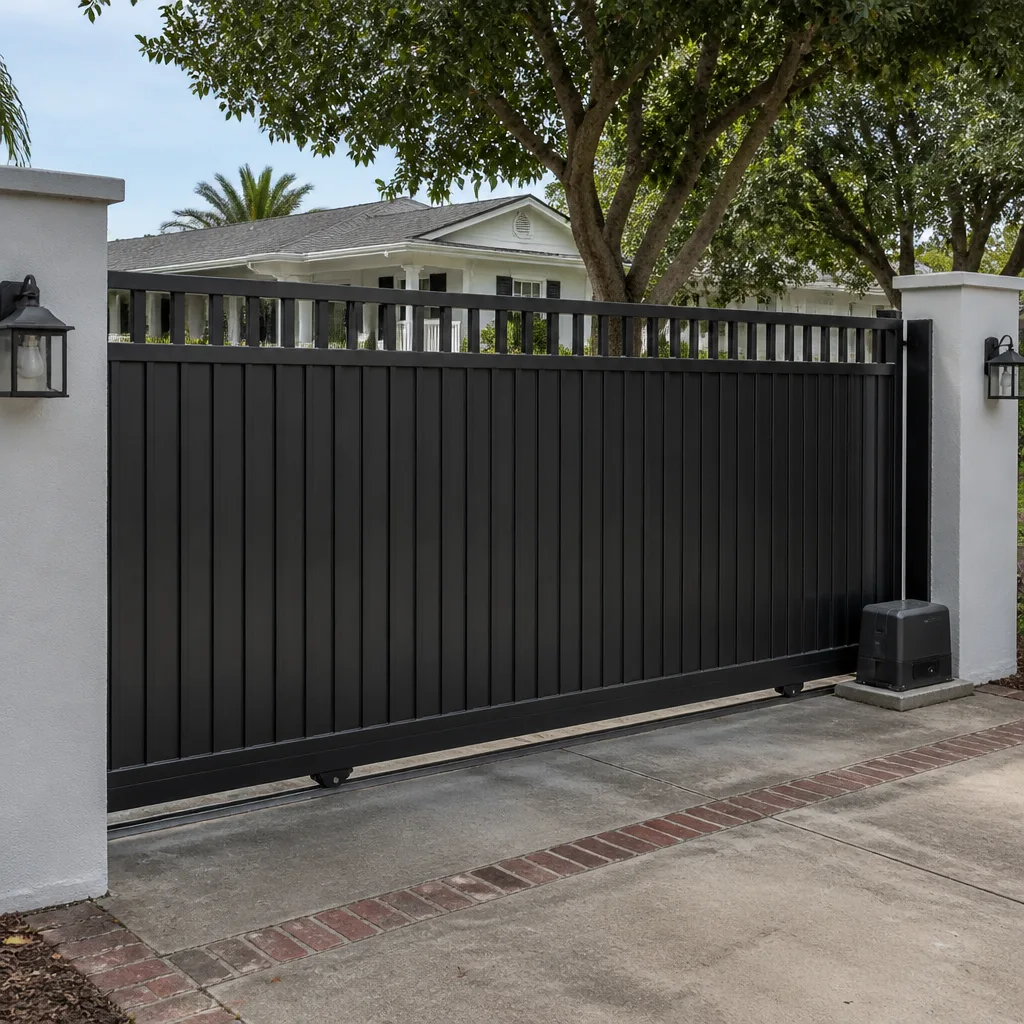 Sliding driveway gates
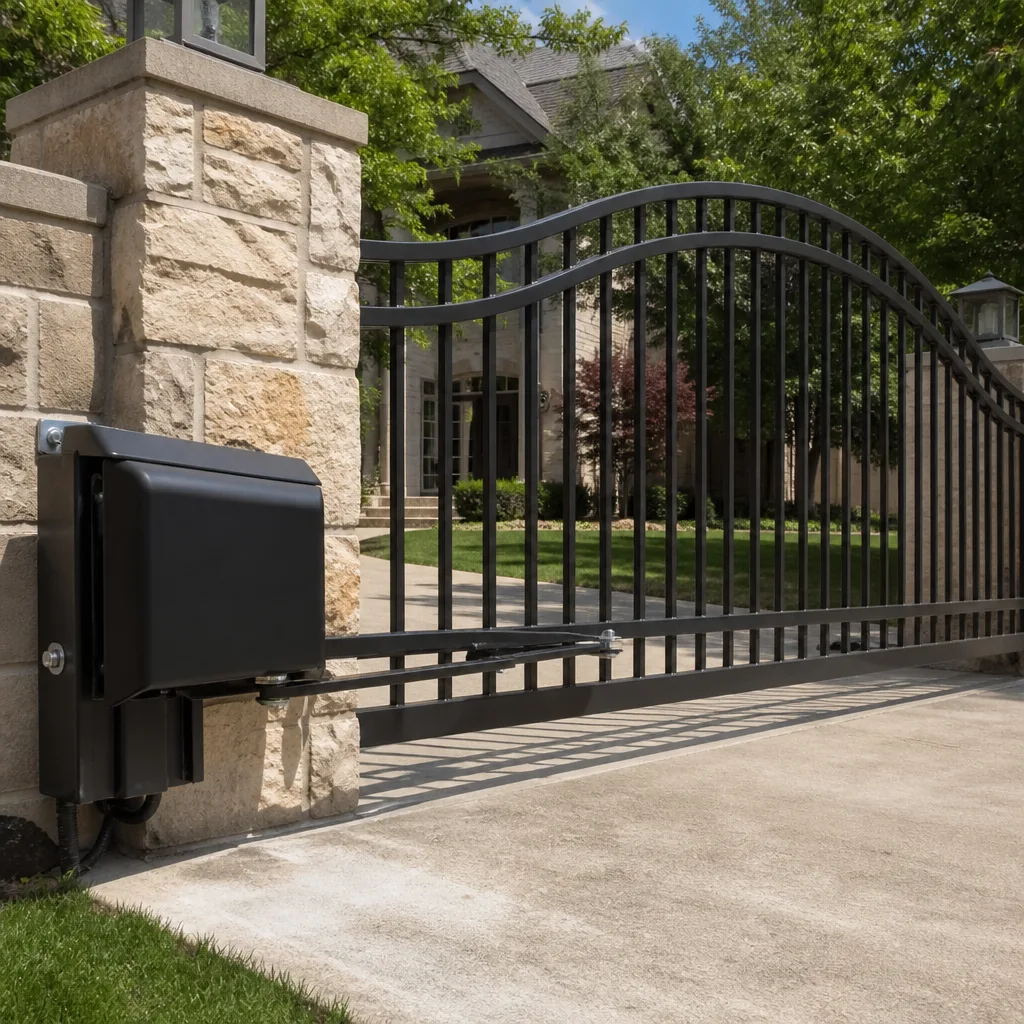 LiftMaster operators
Free on-site gate assessment - hinges, posts, and your LiftMaster or Nice gate operator checked before anything is quoted
The assessment is free and the quote is the invoice.
Get your free estimateGate Repair Troubleshooting in Bakersfield: Common Problems and How to Fix Them
Most gate failures aren’t gate failures at all. A gate that refuses to open is usually healthy steel and hinges receiving a bad instruction from something upstream: a safety sensor that’s lost alignment, a limit switch that’s drifted out of position, or a low-voltage wire corroded at a splice. When troubleshooting starts at the wrong end, the result is predictable. Hardware gets replaced that didn’t need replacing, and the actual fault sits there waiting to reappear. This guide teaches you to read the real failure signal before you touch anything: what a motor hum means, how an error code pattern narrows the fault, and why a gate that stops mid-travel and a gate that won’t start at all are two completely different problems. We’ll walk through the failures we see most often in Bakersfield and the diagnostic order that stops a small repair from becoming a large one.
Quick Answer
Gate repair troubleshooting in Bakersfield starts with identifying which of five root causes you’re dealing with: power supply, safety sensor or loop fault, limit switch misalignment, control board fault, or motor failure. A gate that won’t initiate points to power, sensor, or board; a gate that stops mid-travel usually points to limit switches or a thermal trip. Reading the operator’s error code and testing the sensor circuit with a multimeter before replacing anything is what keeps a minor repair from turning into a control board replacement.
Styles & brands we work with
- Wrought iron
- Wood & steel frame
- Farm & ranch
- Sliding driveway gates
- LiftMaster operators
Table of Contents
- Why Won’t My Gate Open? Start With the Failure Signal
- Reading Operator Error Codes: LiftMaster, FAAC, and BFT Diagnostics
- Stops Mid-Travel vs. Won’t Initiate: Two Very Different Faults
- How Bakersfield Heat Causes Thermal Cutout Trips
- Testing Photo Eyes and Loop Detectors Before You Blame the Board
- When a DIY Reset Makes the Problem Worse
- Mechanical Failures That Look Electrical
- Commercial Gate Diagnostics: Where HOAs and Property Managers Should Focus
Why Won’t My Gate Open? Start With the Failure Signal
Before you do anything, watch what the gate actually does when you command it. That observation is worth more than any part swap. A gate that sits silent is telling you the operator never received or acted on the command. A gate that hums but doesn’t move is telling you the motor is trying and something is blocking it. A gate that moves a few inches and reverses is telling you a safety device interrupted the cycle. Each of those signals points to a different subsystem, and the fix is different for each one.
Here’s the diagnostic order we use, because it’s ordered from cheapest and most likely to most expensive and least likely:
- Confirm power. Check the breaker, the disconnect at the operator, and whether the control board LED is lit. A tripped breaker or a loose connection at the operator terminals looks exactly like a dead board.
- Check the command input. Test the remote, the keypad, and any push-button or intercom. If one input works and another doesn’t, the operator is fine and the input is the problem.
- Watch the safety circuit. Look for a photo-eye LED that’s off or flickering. A broken safety beam stops a gate from initiating just as cleanly as a dead motor.
- Listen to the motor. A hum with no movement is a mechanical or motor issue. Silence with a live board is a control or input issue.
- Read the error code. This is the step most people skip, and it’s usually the fastest path to the answer.
That order exists for a reason. In our experience, the majority of “gate won’t open” calls resolve at steps one through three. The operator itself is usually the last thing to fail, not the first.
Reading Operator Error Codes: LiftMaster, FAAC, and BFT Diagnostics
Modern operators tell you what’s wrong if you know where to look. LiftMaster residential and light-commercial operators use a diagnostic LED that blinks a set number of times, pauses, then repeats. The blink count maps to a category of fault, not a specific part: too many blinks and you’re in sensor or wiring territory, fewer and you’re looking at a command or limit problem. The full chart is on the control board cover of most units. Read it before you touch a wire.
FAAC and BFT commercial operators often go a step further and display a two-digit code on the board or a connected display. That code is a real diagnostic gift: it isolates the fault to a subsystem, so instead of testing everything you test one circuit. A code pointing at the safety edges is a completely different investigation than a code pointing at the encoder. Treat the code as the start of the diagnosis, not the end of it. The code tells you where to look; the meter tells you what’s actually wrong there.
One caution. Error codes get cleared by a power cycle, and a power cycle is the first thing most people try. If your gate threw a code, reset it, and then failed to throw the same code again, you may have erased the evidence along with the fault. Note the blink pattern or code before you do anything else. That single habit saves significant diagnostic time on a commercial property where intermittent faults are the norm.
Residential openers like Linear and Viking are simpler and often rely on LED status indicators rather than displayed codes, so a systematic check of power, input, and safety circuit covers most of the ground. The logic stays the same regardless of brand.
Stops Mid-Travel vs. Won’t Initiate: Two Very Different Faults
This distinction is the single most useful thing to understand in gate troubleshooting. A gate that won’t initiate never begins moving. A gate that stops mid-travel begins fine and then quits, usually at the same point every time. Those two symptoms point to entirely separate subsystems, and treating them as the same problem is where unnecessary parts get sold.
A gate that won’t initiate lives in the command-and-safety chain:
- Power supply or tripped breaker
- Safety sensor misalignment or a broken beam
- Loop detector fault on a vehicle loop
- Control board or receiver failure
- Remote or keypad that’s lost its pairing
A gate that stops mid-travel lives in the travel-and-detection chain:
- Limit switch out of adjustment or physically damaged
- Encoder fault causing the board to lose position
- Obstruction being detected by the force sensing
- Thermal cutout on the motor (more below)
- Mechanical binding that builds resistance as the gate moves
Notice how little overlap there is. If your gate stops at the same spot every time, you’re looking at limits, encoder, or binding, not power or sensors. If it never moves at all, you’re looking at power, input, or safety. Getting this one split right before you buy a part is what separates a quick fix from a control board replacement you didn’t need.
How Bakersfield Heat Causes Thermal Cutout Trips That Mimic Motor Failure
Bakersfield summers regularly push past 100°F, and that heat changes how gate operators behave. Many operators have a thermal protection circuit built into the motor. When the motor or the control board reaches a temperature threshold, the operator shuts itself down to protect the windings. To the person at the keypad, that shutdown looks exactly like a dead motor. The gate won’t move. The remote does nothing. It’s easy to conclude the motor failed.
It usually hasn’t. A thermal trip has a signature, and it’s worth knowing:
- The gate worked earlier and failed after the operator sat in direct sun or ran several cycles.
- After a period of rest, the gate works again, at least for a while.
- The failure repeats more often in the hottest part of the afternoon and rarely in the morning.
- There’s no error code, or the code points at a general fault rather than a specific component.
A genuine motor failure doesn’t heal itself after a rest period. A thermal trip does, which is why so many “intermittent” gate problems in Bakersfield turn out to be heat rather than hardware. Direct-drive operators in particular, with less thermal mass around the motor, are more prone to it.
The fix for a thermal trip isn’t a new motor. It’s about how the operator is positioned, ventilated, and cycled. An operator in full afternoon sun with no shade will run hotter than one in a covered location. If your gate has developed a summer-only habit of stalling, that’s a conversation worth having with a specialist before parts get ordered. We work on the full range of operators that show this behavior, and we’re careful to distinguish a thermal trip from a real motor failure before recommending anything.
Testing Photo Eyes and Loop Detectors Before You Blame the Board
A control board is the most expensive part in most gate systems, and it’s also the part most often blamed for a fault it didn’t cause. Before you conclude the board is bad, test the safety circuit. A faulty photo eye or a dead loop detector will stop a gate from initiating just as effectively as a failed board, and both are far cheaper to diagnose and fix.
Testing a photo eye. Most photo eyes have a status LED on the receiver. A steady LED means the beam is received and the sensor is healthy. An off or flickering LED means the beam is broken, misaligned, or the sensor isn’t getting power. Check alignment first: a gate that’s drifted slightly on its hinges, or a bracket that’s come loose, can knock the beam out of line without anything failing electrically. If alignment is good and the LED is still off, you’re looking at wiring or a failed sensor, not a board.
Testing with a multimeter. If you’re comfortable with a meter, you can test voltage at the sensor terminals and check for continuity along the low-voltage run. A corroded splice or a nick in the wire under a hinge point will read as an open circuit. Low-voltage control wire is the most fragile part of an automated gate, and the failure is often in the wire, not the device on either end of it.
Loop detectors on vehicle loops add a layer. If the gate won’t close because the loop thinks a car is still there, the loop or the detector is the problem. A detector with a stuck relay or a failed loop will hold the gate open indefinitely, and the symptom looks identical to a control board fault. Before any board gets swapped, confirm the sensor and loop circuits are clean.
When a DIY Reset Makes the Problem Worse
Power-cycling an operator or clearing its codes is the first thing most people do when a gate misbehaves. Sometimes it works. But when it “works” on an intermittent fault, what it actually does is mask the problem. The gate runs for a few days, then fails again at the worst possible time: mid-cycle with a car in the driveway, or on a commercial property during a busy delivery window.
Here’s what a reset can hide:
- A limit switch that’s drifting. The board resets its position and runs again, until the drift reaches the point where the gate stops mid-travel again.
- An intermittent sensor fault. The board clears the error, the sensor fails again days later, and the cycle repeats.
- An overheating motor. A reset after a rest period looks like a fix, so the thermal problem never gets addressed.
- A failing encoder. Each reset buys a little more running time before the position error returns.
The point isn’t that resetting is wrong. It’s that a reset that only temporarily fixes the gate is itself a symptom, and it’s telling you there’s a fault that needs diagnosing. If you’ve reset the operator twice for the same problem, stop resetting it and start testing it. On our electric gate repair calls, the history of resets is often the first clue that the fault is intermittent rather than a hard failure.
Mechanical Failures That Look Electrical
Not every gate problem starts at the operator. Some mechanical failures present with symptoms that look electrical, which is why a thorough diagnosis tests both. A gate that binds, sags, or drags will trip the operator’s force sensing and stop the cycle. That’s the operator doing its job, not failing at it.
Look for these mechanical causes when the electrical side checks out:
- Hinge wear or broken hangers. A swing gate that has dropped on its hinges binds against the post and the operator reads it as an obstruction.
- Roller and track wear on slide gates. Worn rollers or a damaged track increase resistance until the operator can’t overcome it.
- A gate that’s come off its track. A slide gate that’s jumped the track is a mechanical emergency, and no amount of electrical troubleshooting will fix it.
- Post movement or footing settling. A leaning post changes the geometry of the gate and puts stress on the operator. Posts need proper footing depth for the gate’s size and load.
- Heavy panels on worn hardware. Large gates put real load on their hardware, and when the hardware wears the operator takes the strain.
This is where a repair-first approach matters. If a specialist arrives assuming the operator is at fault, hardware that just needs adjusting can get overlooked while parts get ordered. The right order is to confirm the mechanical side is sound before diagnosing the electrical side. For the full range of structural and mechanical work, see our gate repair service.
Commercial Gate Diagnostics: Where HOAs and Property Managers Should Focus
Commercial and multi-unit gate systems have more moving parts and more users, which changes where the failures come from. A residential driveway gate has one or two remotes and a keypad. A commercial access-control setup has keypads, card readers, intercoms, loop detectors, safety edges, and a schedule that runs the gate hundreds of times a day. The diagnostic priority shifts accordingly.
Property managers in Bakersfield should focus on:
- Check the input source first. A gate that won’t open for residents but opens from the interior push-button is an access-control or input problem, not a gate problem.
- Log the failure pattern. Time of day, temperature, and which input failed are more useful than a description of the symptom.
- Test every safety input. Commercial systems have more safety devices, and a single failed loop or edge can hold the gate open.
- Separate the operator from the access control. A DoorKing or similar access-control system that stops communicating will make a healthy operator look broken.
- Watch for heat-related failures. A gate that fails in the afternoon across a Bakersfield summer is telling you something about the operator’s environment, not its hardware.
Residential and commercial systems fail differently because they run differently. If you manage a property and the gate problem only affects some users, or only happens at certain times, that pattern is the diagnosis. FAAC and BFT commercial operators hold up well when the surrounding access control is healthy, and the fault is usually in the integration, not the operator itself.
Common Mistakes to Avoid
- Replacing the control board before testing the sensors. The board is the most expensive part and the least likely to be the problem. Test the safety circuit first, every time.
- Resetting the operator to “fix” an intermittent fault. A reset that works temporarily is masking a fault that will return. If it comes back twice, it needs diagnosing, not resetting again.
- Assuming a dead motor when the gate is actually thermally tripped. In Bakersfield summer heat, a gate that fails after a hot afternoon and works again in the morning is showing you a heat problem, not a motor failure.
- Ignoring the mechanical side. Binding hinges, worn rollers, and a gate off its track all look electrical from the keypad. Check the hardware before ordering parts.
- Overlooking the low-voltage wiring. Corroded splices and nicked control wire cause more sensor and command failures than the devices on either end of the wire.
- Clearing error codes before noting them. The blink pattern or code is the fastest path to the fault. Write it down before you power-cycle.
- Turning a small fault into a full replacement. A gate that needs a $150 sensor fix doesn’t need a new operator. Repair first, replace only when the diagnosis supports it.
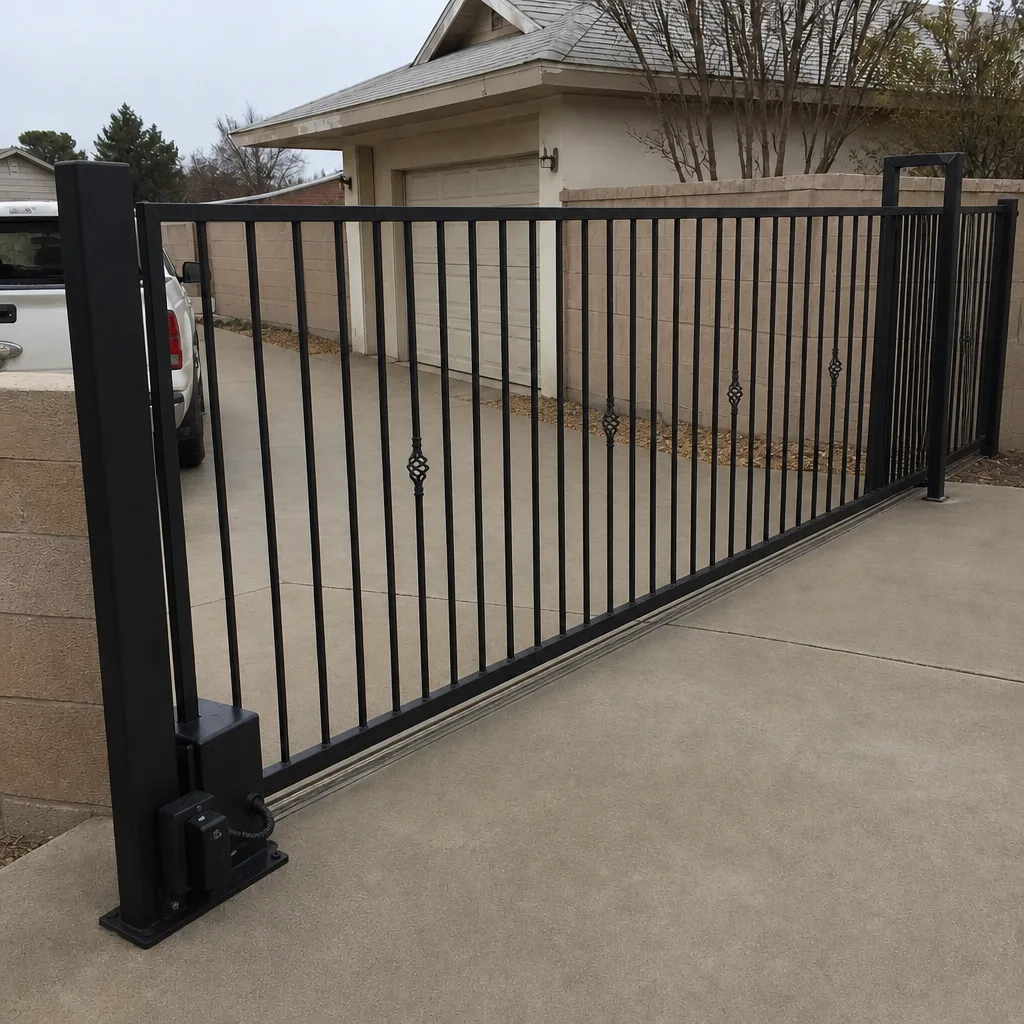
See the difference
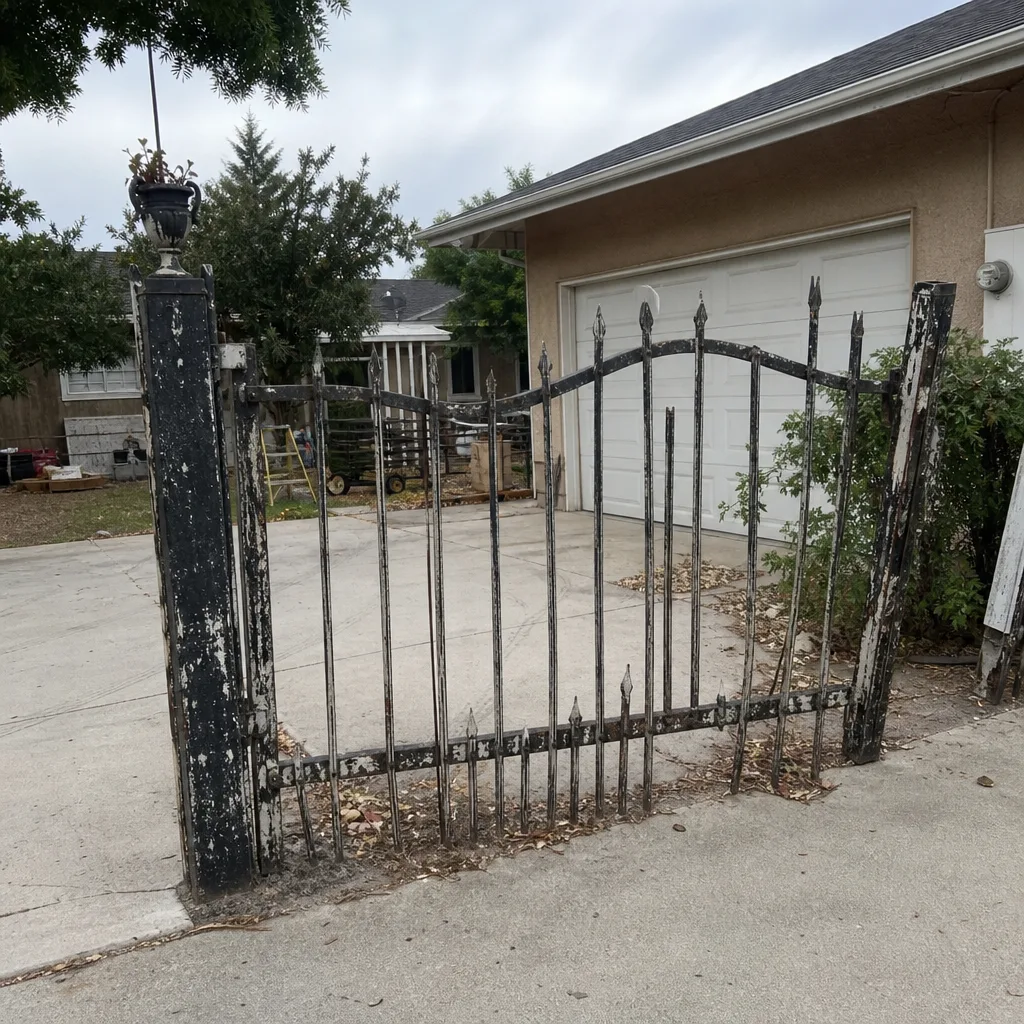
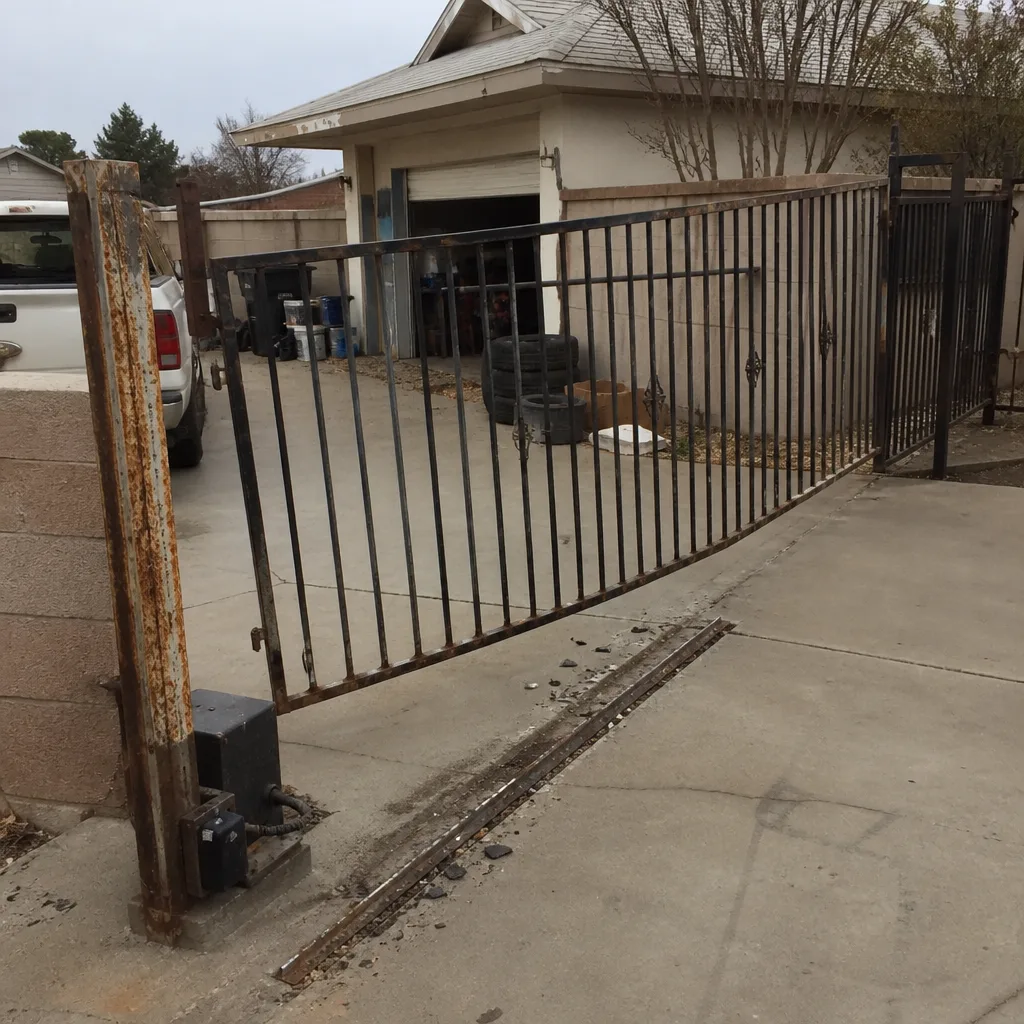 Before
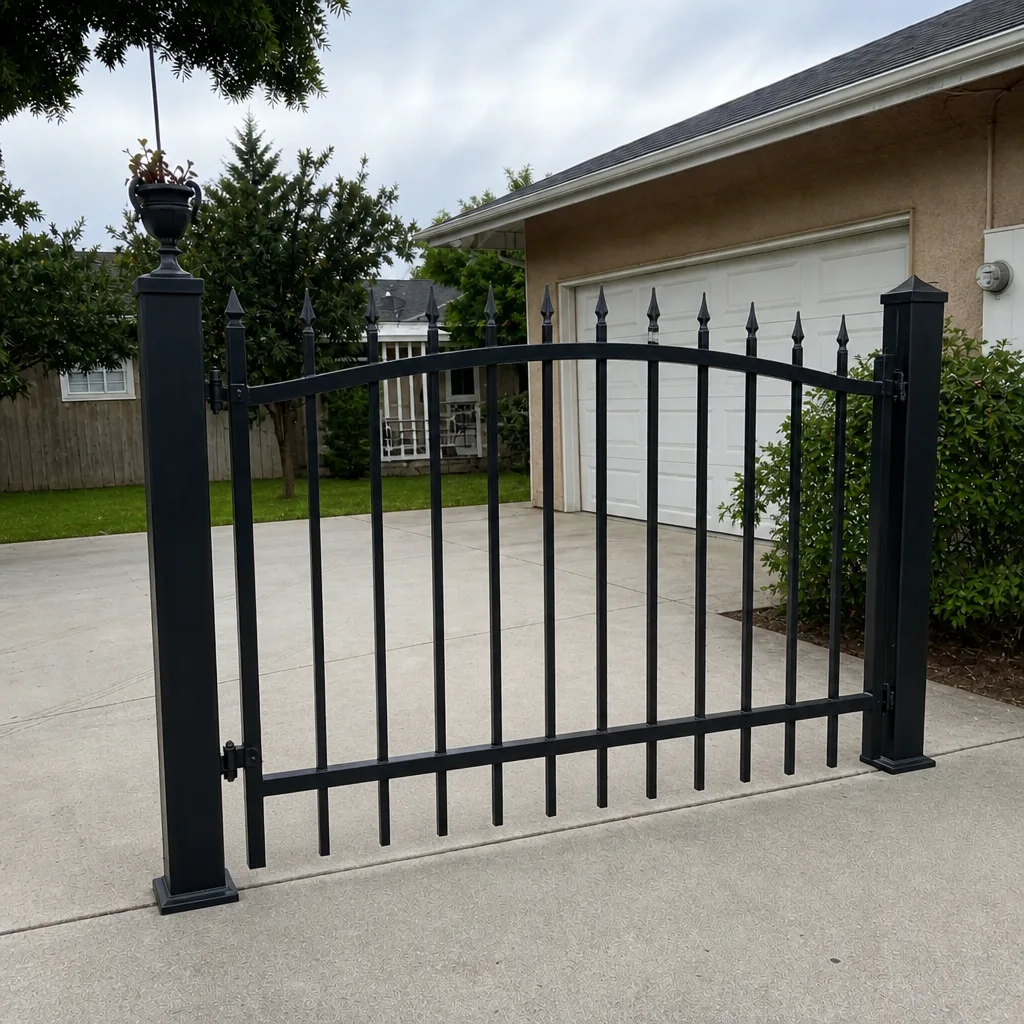
 After
 Before
 After
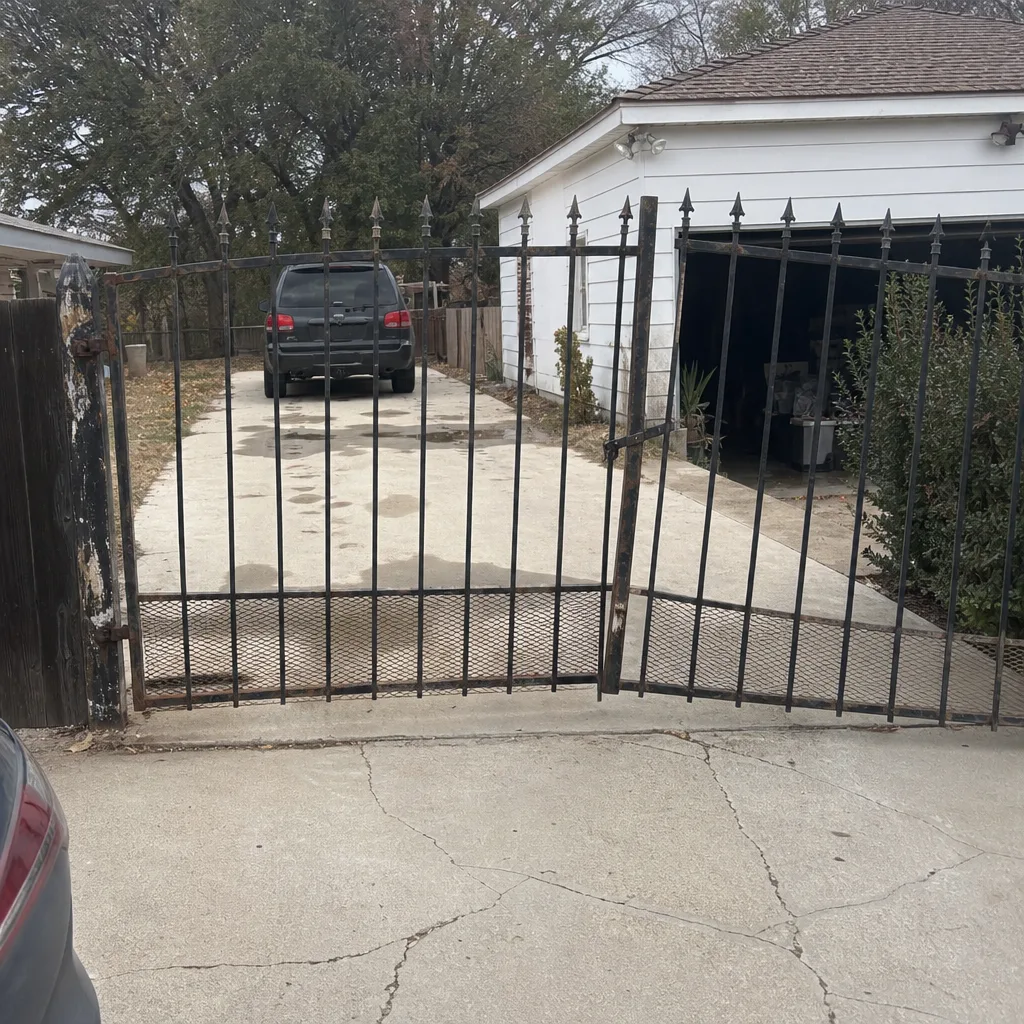 Before
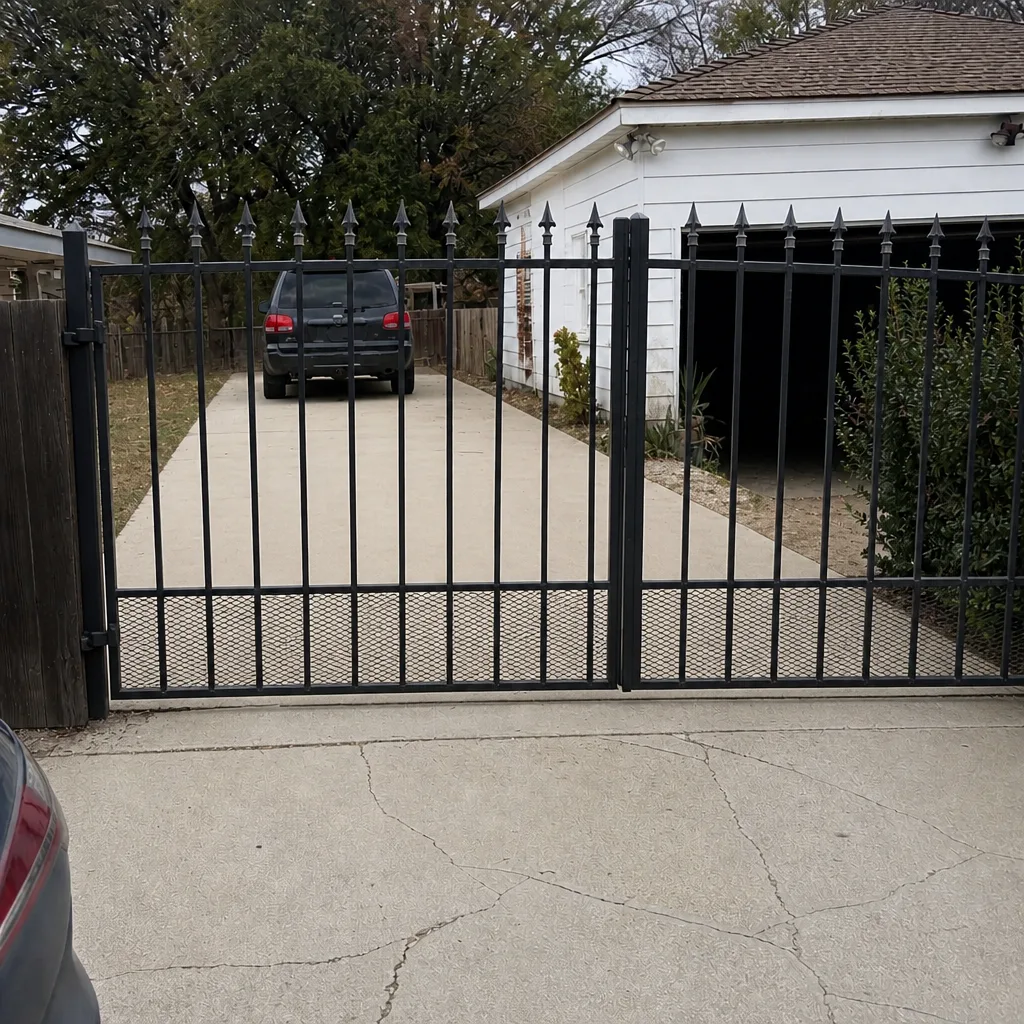 After
When to Call a Professional
Some gate problems are safe and sensible to troubleshoot yourself: a remote that’s lost its pairing, a photo eye that’s been knocked out of alignment, a breaker that tripped. Others are neither safe nor productive to handle alone. Line voltage wiring to the operator, a commercial control board, a gate that’s come off its track, and anything involving the operator’s power side should be handled by a trained technician, because the risks are real and the diagnosis needs proper test equipment.
The same goes for anything intermittent. A fault that comes and goes is the hardest kind to diagnose and the easiest to misdiagnose, and it’s where a specialist saves the most money over time. We work across LiftMaster, FAAC, BFT, Linear, Viking, Ghost Controls, DoorKing, Elite, and Mighty Mule, which means we identify the right fix for your actual system rather than defaulting to the part that’s easiest to source. Gate Repair Bakersfield offers free estimates in Bakersfield. Call (866) 389-4932. We answer 24/7. Fast dispatch from 7am to 7pm, Sunday through Friday. Our technicians have up to 11 years of experience, and the price is quoted and agreed before any work starts.
Frequently Asked Questions
Your gate is most likely thermally tripping, not failing electrically. Bakersfield afternoon heat pushes the operator’s motor or control board past its thermal protection threshold, and the operator shuts down to protect itself. After the gate rests and cools, it runs again. A genuine motor failure doesn’t recover after a rest period, so this pattern points to heat, ventilation, and operator placement rather than a dead motor. Call (866) 389-4932 for an exact quote – estimates are free.
Not necessarily. A hum with no movement means the motor is receiving power and trying to turn, which points to a mechanical obstruction, a binding gate, a failed capacitor, or a limit switch preventing travel. It’s worth testing the mechanical side before concluding the motor failed. A specialist can confirm the cause quickly. Call (866) 389-4932 for an exact quote – estimates are free.
The blink count on a LiftMaster diagnostic LED maps to a category of fault, not a specific part. The chart on your control board cover tells you what each blink count means, and it’s the fastest way to narrow the diagnosis before testing anything. If you’ve already power-cycled the operator, note the pattern next time before resetting. Call (866) 389-4932 for an exact quote – estimates are free.
Yes. A photo eye with a steady status LED is receiving its beam and is likely healthy; an off or flickering LED means the beam is broken, misaligned, or the sensor isn’t getting power. Check alignment first, since a gate that’s drifted on its hinges can knock the beam out of line with nothing failing electrically. If alignment is good and the LED stays off, it’s a wiring or sensor fault. Call (866) 389-4932 for an exact quote – estimates are free.
If the gate won’t close and the loop detector thinks a vehicle is present, the loop or detector is the fault, not the board. A stuck loop relay will hold the gate open indefinitely and look identical to a control board failure. Testing the loop circuit first is always the cheaper path. Call (866) 389-4932 for an exact quote – estimates are free.
A gate that stops at a consistent point is showing a travel-and-detection fault: a limit switch out of adjustment, an encoder losing position, or mechanical binding that builds as the gate moves. It’s rarely a power or safety sensor issue, since the gate initiates fine. The repeatability is the clue. Call (866) 389-4932 for an exact quote – estimates are free.
The Bottom Line
Most gate failures come down to one of five root causes, and the diagnostic order is what keeps a small problem from becoming an expensive one. Confirm power. Check the command input. Test the safety circuit. Listen to the motor. Read the error code. Split the symptom correctly: a gate that won’t initiate lives in the command-and-safety chain, while a gate that stops mid-travel lives in the travel-and-detection chain. In Bakersfield, remember that heat can make a healthy operator look like a dead motor, and that a reset which only temporarily fixes the gate is itself a fault signal. Repair first, replace only when the diagnosis supports it. If you’d rather have a specialist read the signal, we’re here. Call (866) 389-4932 for a free estimate, and we’ll get your gate back in service.
For a full view of what we do across the city, start at Gate Repair Bakersfield, and if you’re looking for local context on the area we serve, see our Bakersfield page.
Written by the team at Gate Repair Bakersfield.